

All starters
Ready-made simulations, a click each. What each one makes, what to try first, and how to make it yours.
A starter makes a whole simulation in one click: the particles object, its emitter, and either a flow or the sidebar's settings, set up for the effect. It's made at the 3D cursor, ready to bake. What it makes is ordinary VecFlow, so you change it just as you would one you built yourself.
Where they are
- The sidebar. With nothing selected, the VecFlow tab shows New Simulation: a picture card for each starter, in fold-away groups. With a simulation selected, the + in its panel's header opens the same cards.
- The Add menu. In the 3D Viewport, ShiftA ▸ VecFlow.
- From the selected mesh. With a mesh selected, the four starters made from a mesh come first in the sidebar, under From “mesh name”, and follow in the Add menu, named after it.

The starter selects its emitter when it's done, so the sidebar shows the new simulation. Press Bake to see it.
Particles
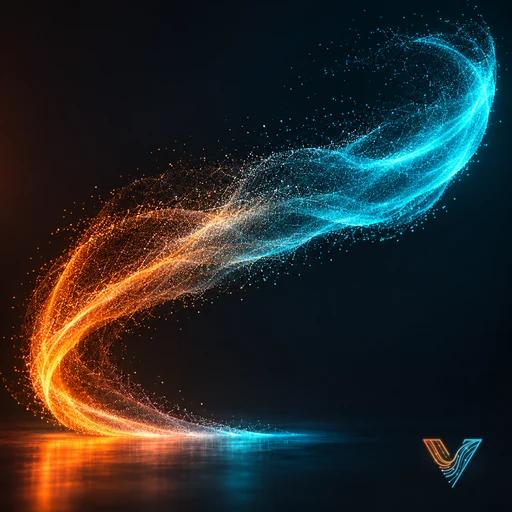
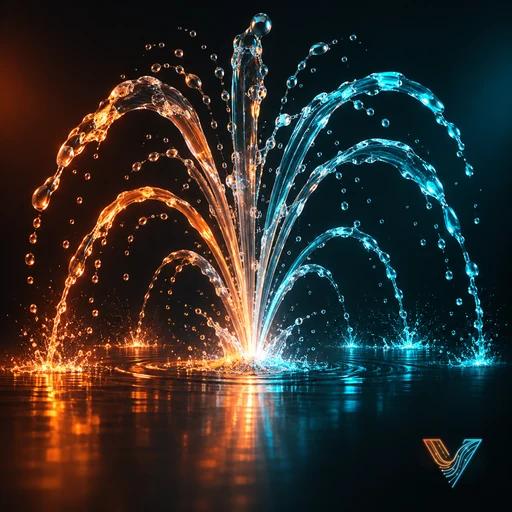
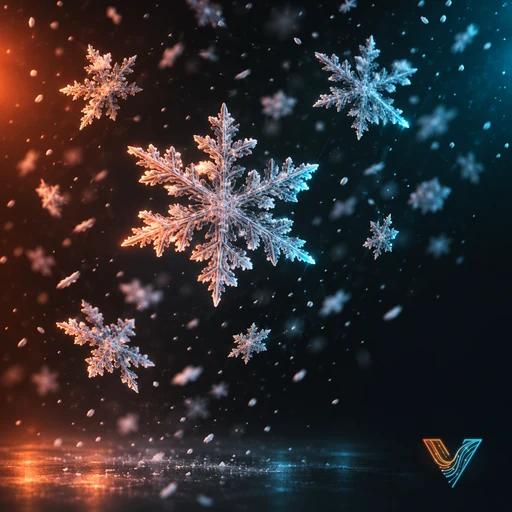
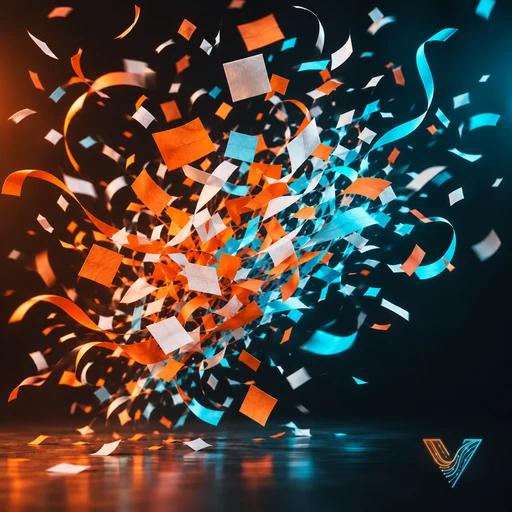
Smoke, Fire and Water
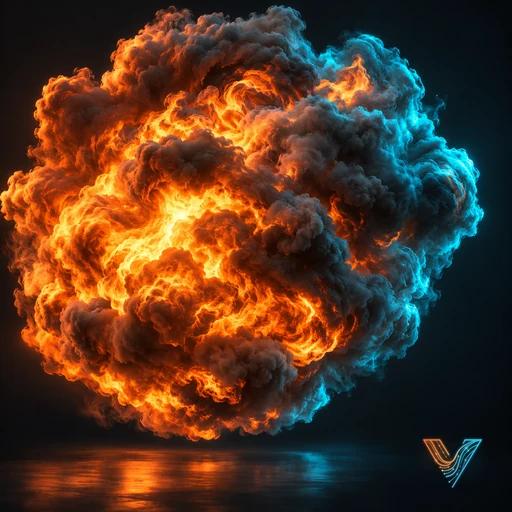
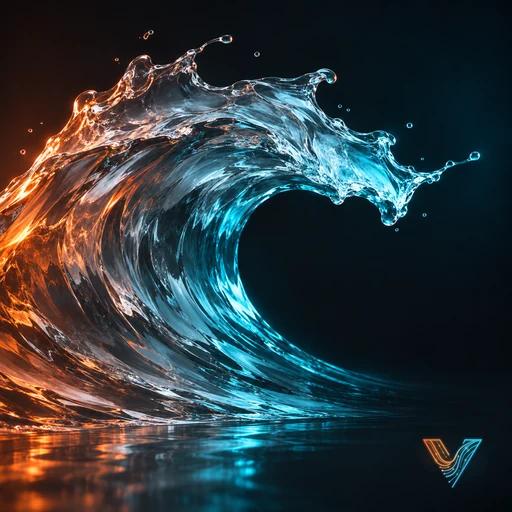
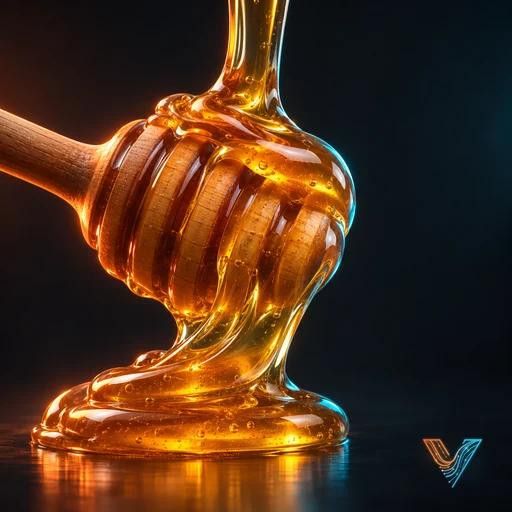
Bodies
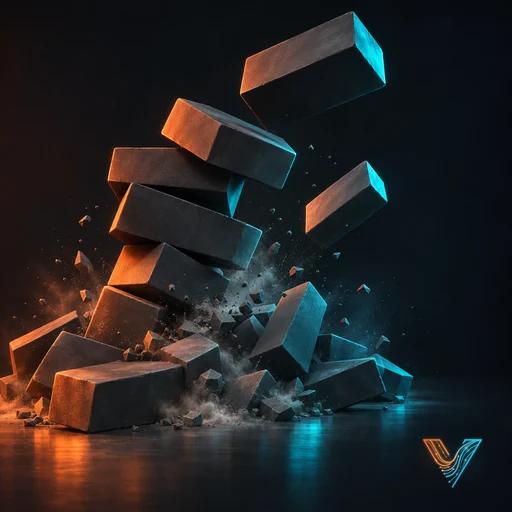
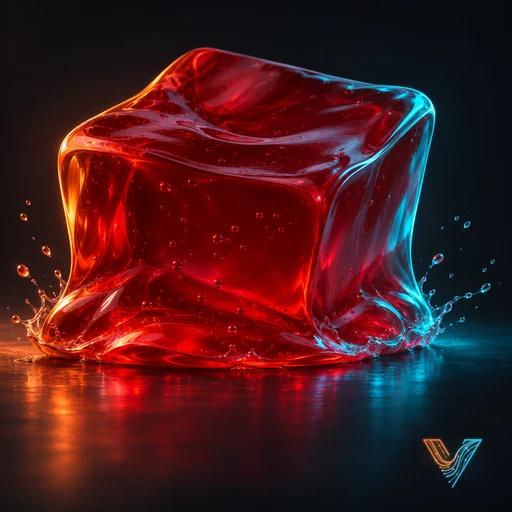
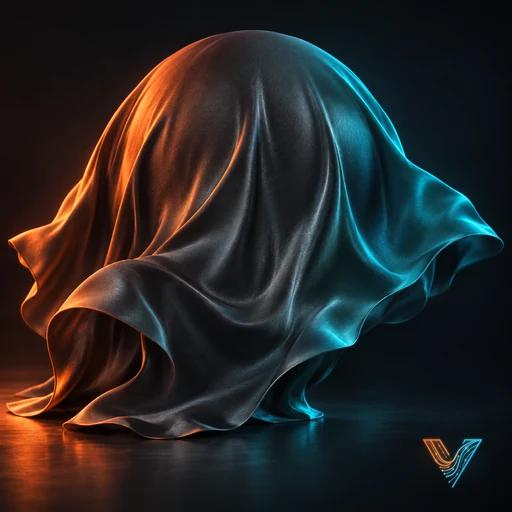
From the selected mesh
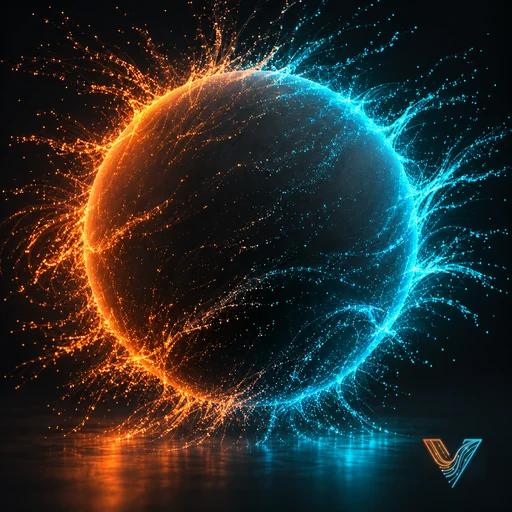
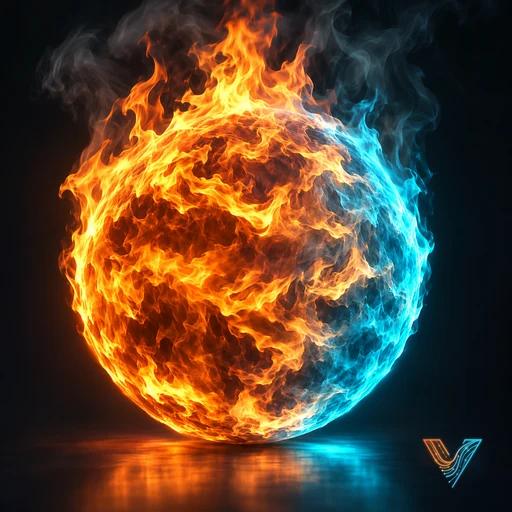
Settings or a flow
Particles, Snow, Confetti and Emit Particles run on the sidebar's own settings: the Emission, Forces, Collisions, and Size, Spin and Colour panels. Everything to try is in front of you.
The others have a flow: events wired together, each a list of operators, edited in the flow editor. For these, the simple panels hide, and most settings to try are on the operators. Press Edit Flow in the simulation's panel, select the event, and pick the operator in the editor's sidebar (N ▸ VecFlow ▸ Event): its settings show below the list. These pages write that as Edit FlowFlamesBirthPer Frame: the event, the operator, the setting.
A starter on the sidebar's settings becomes a flow with Convert to Flow, which bakes the same, for when you want more than the panels give.
Smoke and fire looks
The Smoke and Fire panel has six ready-made looks for the gas (Campfire, Candle, Fireball and more), and you can save your own. See Smoke and fire looks.